
Most Shopify stores we’ve audited have at least a handful of duplicate title tags or orphaned collection pages quietly costing them traffic every month. This shopify seo checklist walks through the technical, on-page, and collection page fixes that actually matter, without the fluff. Whether you’re running a small product-based startup or managing a growing online retail brand, getting these basics right can mean the difference between sales sitting flat and sales actually growing.
Table of Contents
Why Shopify’s Structure Makes SEO Tricky
Here’s something a lot of store owners don’t know: Shopify was built to help you sell stuff fast, not to make Google happy. That’s why so many stores that look great and get heaps of traffic to their homepage still struggle to rank for actual product searches. The platform locks up certain URL settings, creates duplicate pages without you even knowing, and handles collections in a way that confuses search engines. If you’re working through a shopify seo checklist for the first time, this is usually where things go sideways. It’s not that Shopify is bad, it’s just built with different priorities in mind.
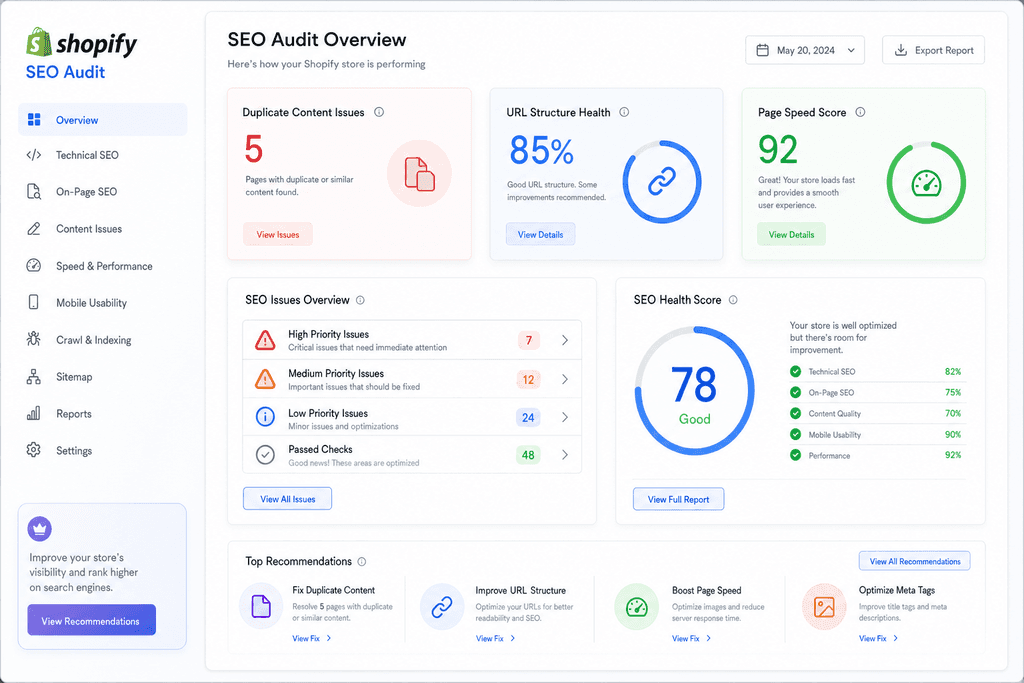
One of the biggest headaches is the URL structure. Shopify forces certain folder names into your URLs, like /products/ or /collections/, and you can’t remove them. This isn’t the end of the world, but it does limit how clean and keyword focused your URLs can be compared to other platforms.
Duplicate content is another sneaky problem. Collections and tag pages often pull in the same products through different URLs, so Google sees multiple pages that look almost identical. This confuses search engines about which page should actually rank, and it can water down your rankings across the board.
When we run audits for stores, a few issues show up again and again. Here’s a quick look at what we usually find:
| Issue | Why It Happens | Impact on Rankings |
|---|---|---|
| Duplicate collection URLs | Filters and sorting create new links | Splits ranking signals |
| Thin tag pages | Auto-generated tags with little content | Low value pages indexed |
| Locked URL slugs | Shopify’s fixed folder structure | Less control over keywords |
| Duplicate meta titles | Templates reused across pages | Confuses search engines |
| Slow collection load times | Too many apps or large images | Hurts Core Web Vitals score |
If you want a deeper technical breakdown of these fixes, this Shopify SEO guide for 2026 covers app recommendations worth checking out. Understanding these platform quirks early makes the rest of your optimising work a lot easier.
Technical SEO Checklist for Shopify Stores
A one second delay in page load can cost you 7% in conversions, according to Google’s own research. That stat alone should make every Shopify store owner stop and check their speed scores. Technical SEO is the boring stuff nobody wants to deal with, but it’s the foundation everything else sits on. If your site is slow or Google can’t crawl it properly, none of your content or collection page work will matter much. Think of it like building a house on sand versus concrete. The concrete part isn’t exciting, but it’s what keeps everything standing.
Most Shopify stores we look at have at least three or four technical issues hiding under the surface. They’re not always obvious unless you know where to check.
Here’s what needs regular attention:
- Site speed and Core Web Vitals — heavy apps and oversized images slow everything down, so trim what you don’t need
- Robots.txt, sitemap, and crawl settings — make sure Google isn’t blocked from pages that should rank
- Canonical tags and duplicate content control — Shopify creates duplicate URLs through filters and variants, so canonicals stop confusion
- Structured data and schema markup — helps Google show star ratings, prices, and stock info right in search results
- Mobile responsiveness checks — most Aussie shoppers are buying on their phones, so this isn’t optional anymore
A lot of agencies skim over this bit because it’s not flashy. But skipping it is like painting a house with a leaky roof. Looks fine for a while, then the damage shows up.
On-Page SEO Checklist for Product and Content Pages
Product pages are where the money gets made, but they’re also where a lot of Shopify stores just copy and paste the manufacturer’s description and call it done. That’s a missed opportunity. Google wants unique, helpful content, and shoppers want to know why your product is worth buying over the ten other tabs they’ve got open. On-page SEO is about making each page work harder without needing more traffic. It’s the difference between a page that just exists and one that actually pulls its weight.
Getting the basics right here doesn’t take long, but it adds up across hundreds of product pages.
- Write title tags and meta descriptions that include your main keyword but still sound like a human wrote them
- Use one H1 per page, then H2s and H3s to break up content so it’s easy to scan
- Write unique descriptions for every product, even if it means just a few original sentences
- Link between related products and category pages so shoppers (and Google) can find their way around
- Name image files properly and write alt text that actually describes what’s in the photo
Internal linking is one of the most overlooked parts of this list. It doesn’t cost anything and it helps Google understand which pages matter most on your site. Something as simple as linking a blog post about “best gifts under $50” to your relevant product pages can quietly help both pages rank better over time.
Collection Page SEO Checklist That Actually Converts
Collection pages get treated like an afterthought on most Shopify stores, which is a shame because they often pull in more search traffic than individual product pages. Think about how people actually shop online. Nobody searches “blue size 9 running shoe with white laces.” They search “running shoes for women” and land on a collection page. If that page has two lines of thin text and nothing else, you’re leaving traffic on the table that a competitor is happy to pick up.
Fixing collection pages is one of the fastest ways to see movement in rankings, mostly because so few stores bother doing it properly.
| Issue | Impact |
|---|---|
| Thin descriptions | Low rankings |
| No breadcrumbs | Poor site structure |
| Duplicate filter URLs | Wasted crawl budget |
| No internal links | Products get buried |
The action items that make the biggest difference:
- Write a short, unique description above the fold that actually explains what’s in the collection
- Handle filter and sort URL parameters so Google isn’t indexing fifty versions of the same page
- Add breadcrumb navigation so shoppers (and search engines) know where they are
- Avoid thin or copied content across similar collections, like “Men’s Shirts” and “Men’s Tops”
- Link out from collections to your best-selling or highest-margin products
This is where a lot of the guides floating around, including ones like the Shopify SEO checklist from 7SEA, tend to focus more on product pages and gloss over collections. Same with the TagDJ guide, which is solid on the technical side but light on collection specifics. That gap is exactly why we built our Search Audit to look at collection pages as their own category, not just an extension of product SEO.
A few quick wins worth checking today:
- Open your top three collection pages and see if the description is more than two sentences
- Check if filtered URLs (like ?colour=blue) are showing up in Google Search Console
- Click through from a collection page and count how many clicks it takes to reach a product
If any of that felt uncomfortable to check, you’re not alone. Most stores we’ve audited have at least one of these issues sitting quietly in the background, and it’s usually been there for a while.
Which Fixes Actually Move the Needle
Most Shopify stores we audit have spent hours fixing things that barely matter, while the big wins sit untouched. We’ve seen shops obsess over alt text on old blog images while their collection pages have zero unique content and thin meta descriptions. That’s backwards. The truth is only a handful of items on any shopify seo checklist actually shift rankings and revenue, and the rest is maintenance work that can wait. Knowing which is which saves you months of wasted effort.
Here’s how we break it down after running dozens of audits for Australian e-commerce brands.
| Fix Type | Effort | Payoff |
|---|---|---|
| Collection page content | Medium | High |
| Site speed on product pages | Medium | High |
| Internal linking structure | Low | High |
| Alt text cleanup | Low | Low |
| Meta description tweaks | Low | Low |
| Duplicate content on filters | Medium | High |
Collection pages are the biggest missed opportunity we see, hands down. Store owners treat them like a folder of products, not a page that needs its own reason to rank. Add a few paragraphs of real content, fix the filter duplication, and you’re often looking at a page that finally has a shot at ranking for its category term. Shopify’s own guide on product page SEO touches on some of this, but collection pages get even less attention in most resources.
This is where our Search Audit earns its keep. We don’t hand over a 200 item checklist and wish you luck. We rank fixes by expected impact first, so the first thing you tackle is the thing most likely to move traffic. It’s less about doing more work and more about doing the right work first.
Wrap-up Your Shopify SEO Priorities
A shopify seo checklist only works if you actually use it. So let’s bring it back to basics. Technical stuff (site speed, crawlability, mobile setup) is your foundation. On-page stuff (titles, meta descriptions, headers) helps Google understand what each page is about. And collection pages need their own love too, because that’s often where your best products are hiding from search engines.
Here’s the thing though. You can’t fix everything at once, and you probably shouldn’t try to.
The smart move is to figure out which of these three areas is dragging you down the most. Is it:
- Slow load times killing your rankings before people even see your products
- Weak on-page content that search engines just skip over
- Collection pages that are basically invisible to Google
That’s where an audit comes in handy. Not a generic one, but one that actually digs into your specific store setup and tells you what’s broken first.
This is exactly the kind of structured diagnosis our Search Audit at ScaleCurrent focuses on, so you’re not guessing which fix to tackle first.
Once you know your biggest gap, the rest of this checklist becomes a lot less overwhelming. You just work through it one piece at a time.
Now, you might be wondering how long this whole process actually takes, or what happens if your store has some weird technical quirks that don’t fit the standard playbook. Good questions. Let’s get into those next.
Shopify SEO Checklist FAQs
Got more questions after reading through all that? Fair enough, there’s a lot to take in. Here’s the stuff store owners ask us most when they’re trying to figure out where to start or how often to check back in.
How often should I run through this checklist
Do a full pass every three months, but keep an eye on the basics monthly. Things like broken links, missing meta descriptions, and slow-loading pages can pop up anytime, especially after you add new products or change themes.
Do collection pages really matter for SEO
Yes, and a lot of store owners skip right past them. Collection pages often rank for broader, high-traffic search terms that individual product pages just can’t compete for.
- They group related products together, which search engines love
- They’re usually the first stop for shoppers still deciding what they want
- Weak collection pages waste all that potential traffic
What’s the fastest fix for Shopify SEO
Cleaning up duplicate content and fixing broken title tags usually gives the quickest bump. It doesn’t take long and search engines notice the change fast, especially on collection pages where duplication is common.
Should I hire an agency or DIY this checklist
If you’ve got the time and don’t mind digging into technical settings, DIY is doable for a smaller store. But once you’re managing hundreds of products or juggling multiple collections, mistakes get expensive fast and that’s usually when people start looking for help.
This is actually where ScaleCurrent comes in handy. We built our approach around real operator experience, not just theory, so the fixes we suggest actually make sense for how your store runs day to day.
Will following this checklist guarantee higher rankings
No checklist can promise exact rankings, and anyone who says otherwise isn’t being straight with you. What a solid shopify seo checklist does is fix the stuff holding you back, which gives you a much better shot at showing up when it counts.
How long until I see results
Technical fixes can show movement within a few weeks. Bigger wins, like ranking for competitive terms, usually take a few months since search engines need time to recrawl and trust the changes.
Want more customers from Google and AI search? Tell us about your business.