
Good product page SEO comes down to a short list of fixes you can do in an afternoon, not a mystery. Most shoppers never scroll past the first page of Google, so if your product sits on page two, it may as well not exist for anyone searching “buy running shoes online” or whatever you sell. That sounds harsh, but it also means the job is narrow. You are not trying to win the whole internet, just the handful of spots above the fold for the terms your buyers actually type.
The good news is none of this needs a developer or a rebuild. Title tags, meta descriptions, product titles and a few structured data tags are the levers that move fastest, often inside a week or two once Google recrawls the page. Change a vague title like “Men’s Shoe – Model 220” to something a shopper would actually search, and you can watch click-through rate shift before rankings even move. Small, specific, repeatable work, done in order, beats a big redesign every time.
Table of Contents
Why Most Product Pages Never Rank
Three faults keep product pages stuck on page two. Each one is fixable without touching the site build, and each one answers a different question Google asks when it decides what to show a shopper.
| Common mistake | Why it hurts rankings | Fix |
|---|---|---|
| Manufacturer description pasted as-is | Hundreds of other sellers use the same text, so Google can’t tell pages apart | Rewrite in your own words, add your own photos or use case |
| Thin content, no real detail | No size, material or use info means nothing to match against a search | Add dimensions, fabric or fit notes, care instructions |
| Missing structured data | No star ratings, price or stock shown in search results | Add Product and Review schema markup |
Structured data is worth singling out because it is the easiest one to overlook. It does not change your writing at all, it just tells Google what your existing content means, so a price or a star rating can show up right in the search result. A page without it can rank fine and still lose the click to a competitor whose listing looks richer.
Write Product Page SEO Titles Shoppers Click
A title tag earns the click before anyone sees your product. Put the product name, the one attribute that matters most and your brand near the front, in that order, because Google often cuts titles off after about 60 characters on mobile.
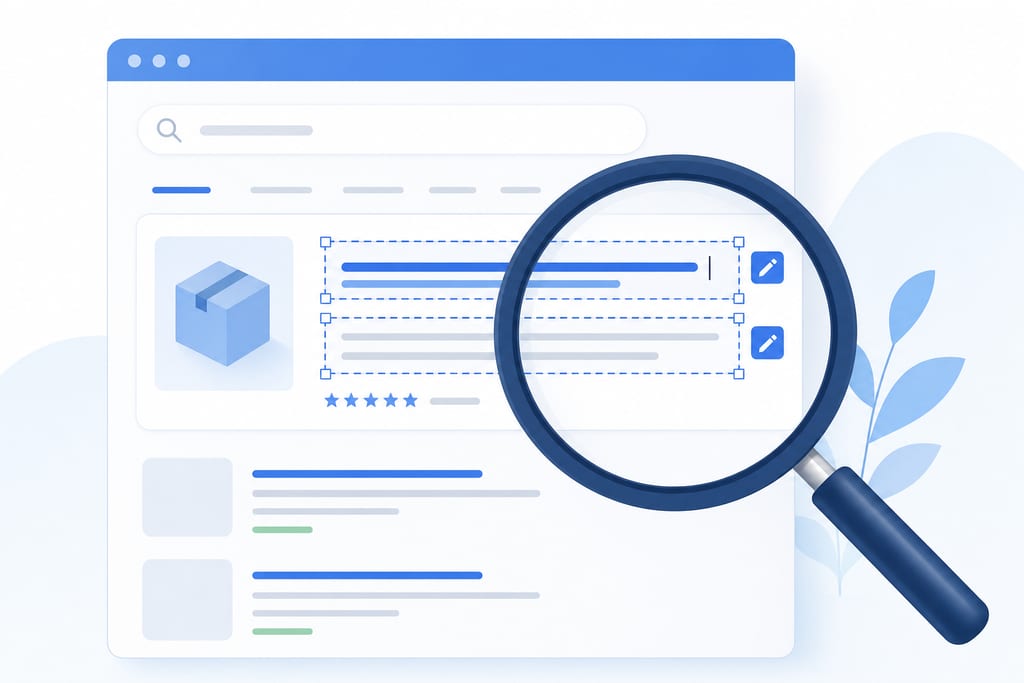
Meta descriptions do the selling. Keep them under 155 characters and give the shopper a reason to click rather than a repeat of the title, something like a stock note, a delivery promise or a point of difference. Stuffing the same keyword three times across the title and description reads like spam and shoppers scroll past it, even if it technically matches their search.
- Lead with the product name and the attribute buyers search for, such as colour, size or material
- Add the brand name after the key attribute, not before it
- Write one sentence in the description that a competitor’s listing does not say
- Cut filler words like “buy now” or “best price” unless they are true and specific
None of this needs a rebuild. A Search Audit will flag which product titles are too long, too generic or duplicated across variants, and that list alone usually takes an afternoon to fix.
Turn Thin Descriptions Into Pages Google Trusts
Pasted manufacturer text is the fastest way to look like every other seller stocking the same item. Google has seen that paragraph a hundred times already, so it has nothing to rank your page on. Writing your own copy, even a short rewrite, gives the page something unique to match against a search.
Every buyer asks three questions before they purchase: does it fit me, what is it made of, and how do I look after it. Answer those in plain language, with real specifications and sizing, not vague adjectives. Mobile shoppers scan rather than read, so breaking the detail into short bullets instead of one dense paragraph keeps them on the page.
- Dimensions, weight or fit notes in metric units
- Material or fabric composition, in plain words
- Care or maintenance instructions
- One sentence on who the product suits and who it doesn’t
A page with these four elements beats a longer page padded with marketing language every time, because it actually answers what the shopper searched for.
Use Images and Reviews to Win More Clicks
Images and reviews decide whether a shopper trusts the listing enough to buy. A slow page loses sales before the content even matters, so compress images without losing visible quality, aiming for files that load fast on a mobile connection rather than full-resolution camera exports.
File names and alt text matter too. “IMG_4821.jpg” tells Google nothing, while “navy-canvas-tote-bag-side-view.jpg” describes the actual product. Review schema is the other lever here, since it lets star ratings and review counts show up directly in the search result, which gives a listing more visual weight than a plain blue link.
- Rename image files to describe the product and angle shown
- Write alt text that matches what’s in the photo, not a keyword list
- Compress images before upload rather than after the page is slow
- Add review schema so ratings display in search results
Page speed and star ratings both influence click-through rate, and a listing with visible stars tends to draw the eye before a plainer one above it in the results.
Fix the Technical Details Holding Pages Back
Technical fixes decide whether Google can read your page properly in the first place, no matter how good the writing is. Product schema markup tells search engines the price, stock status and category of the item, so those details can appear directly in the search result instead of staying buried in the page.
Colour and size variants cause a common problem: if each variant has its own URL but near-identical content, Google may treat them as duplicates and rank the wrong one. Setting the canonical tag to point to the main product URL solves that. Internal links from related products and category pages also spread ranking signal to pages that would otherwise sit isolated.
- Add Product schema with price, availability and SKU
- Set canonical tags across colour and size variants
- Link related products from every product page
- Check the page renders correctly on a mobile screen
These checks sit behind the scenes, but a AI SEO review can catch schema errors a visual check would miss entirely, since the markup itself is invisible on the page.
Rank First or Convert First
A product sitting on page one still loses if the shopper lands and bounces. Chasing title tweaks and schema fixes without touching the page copy around trust signals is the common mistake, because rankings only buy attention, they don’t buy the sale.
Reviews and a rewritten description usually shift conversion more than another round of title changes, since a shopper deciding between two listings reads the words, not the meta tag. If your page already ranks reasonably and still underperforms, the fix is adding real review content and unique copy, not more keyword work.
AI search results now draw from the same structured data and content quality signals as regular search, so a page with no schema and thin copy loses visibility in both places at once. There isn’t a separate playbook for one versus the other anymore.
| Situation | Priority fix | Cost to you |
|---|---|---|
| Ranks poorly, low traffic | Titles, meta, schema | A few hours, low cost |
| Ranks fine, low conversion | Descriptions, reviews, images | More writing time, ongoing effort |
| Mixed signals across pages | Audit first, then prioritise | Needs a proper review before fixing |
A local SEO review can tell you which of these three situations you’re actually in before you spend a week on the wrong fix.
Pick the Three Pages Losing You the Most Sales
Open your analytics and sort product pages by traffic against conversion rate. Pick the three with the biggest gap between visits and sales, not the three you like the look of. Apply the title, description, image and schema fixes to those three together, in one sitting, rather than spreading a little effort across the whole catalogue. Then watch two numbers over the next few weeks: where the page sits in search, and how many of those visitors actually buy. A page can climb the rankings and still sell nothing, so track both or you’re only seeing half the result. If you want someone to tell you which three pages those are before you guess, that’s what ScaleCurrent’s Search Audit is for.
Want more customers from Google and AI search? Tell us about your business.
Product Page SEO Questions Answered
Will rewriting product descriptions reset my rankings temporarily?
No, rewriting a description does not reset anything. Google treats it as an update, not a new page, so any history or trust the URL has built stays in place. You might see short term movement up or down while Google recrawls and reassesses the new text, but there is no penalty box for editing your own words.
How many words should a product page description actually be?
There is no fixed word count that works for every product. A pair of socks needs a few short lines, a mattress or a power tool needs more detail because buyers have more questions before they trust it. Write until you have covered fit, material and care, then stop. Padding past that point to hit a number wastes the shopper’s time.
Can I optimise product pages myself or do I need a developer?
Most of the fixes don’t need a developer at all. Titles, meta descriptions, product copy and alt text are usually editable straight in your store’s admin, whether that’s Shopify, WooCommerce or similar. Structured data and canonical tags are the one area where a developer or a plugin saves time, since getting the markup syntax wrong can do more harm than leaving it off.
What should I check first if a product page isn’t ranking at all?
Check whether Google has actually indexed the page before touching anything else. Search the exact URL in Google, and if nothing comes back, the page may be blocked by a robots.txt rule, set to noindex, or buried so deep in the site that it’s never been crawled. ScaleCurrent’s free AI check flags indexing problems like this before you spend time rewriting copy on a page Google never sees.