
Yes, you can rank a Shopify store on Google, but it takes a set order of work, not a few quick tweaks to your theme. Most stores lose their shot before they start, because product pages read like a spec sheet and collection pages repeat the same fifty words across ten different categories. Google sees thin content and duplicate text, and it quietly pushes those pages down the results, even when the products themselves are good.
The fix runs through seven steps, starting with the actual words your customers type into Google before they land on a competitor’s store instead of yours, and ending with tracking which pages turn clicks into sales, not just traffic. Skip a step and the ones after it stop working properly, which is why so many store owners add a blog, write a few titles, and wonder why nothing moves.
Table of Contents
- Find the Keywords Your Shopify Buyers Actually Type
- Fix the Technical Issues Blocking Your Store
- Turn Product and Collection Pages Into Ranking Pages
- Build Trust Signals and Backlinks That Google Rewards
- Decide Which Shopify SEO Fixes to Tackle First
- Rank Position or Organic Sales, Pick What You Measure
Find the Keywords Your Shopify Buyers Actually Type
Browsing keywords and buying keywords are not the same thing, and mixing them up wastes product page space. “Leather wallets Australia” is someone comparing options. “Buy men’s leather wallet online” or a specific SKU name means they have their card out.
Type your product into Google and read the auto-suggest list, then scroll to “People also ask” for the exact phrasing shoppers use. Check two or three competitor product titles in your category too, since Shopify stores often repeat the same winning phrases once they see them rank.
Each keyword needs a home, and sending the wrong type to the wrong page confuses both Google and the shopper who lands there.
| Keyword type | Search intent | Target page |
|---|---|---|
| “Best running shoes for flat feet” | Comparing options | Collection page |
| “Nike Pegasus 41 size guide” | Ready to buy, checking fit | Product page |
| “How to clean suede shoes” | Looking for help, not buying yet | Blog post |
| “Women’s waterproof hiking boots” | Narrowing down a category | Collection page |
This mapping step is what the AI SEO add-on checks first, because a mismatched keyword list undoes every other step that follows it.
Fix the Technical Issues Blocking Your Store
Technical problems are the reason a store with decent products still sits on page three. Shopify generates extra URLs every time a shopper filters by size or sorts by price, and Google can end up crawling the same product under five different web addresses.
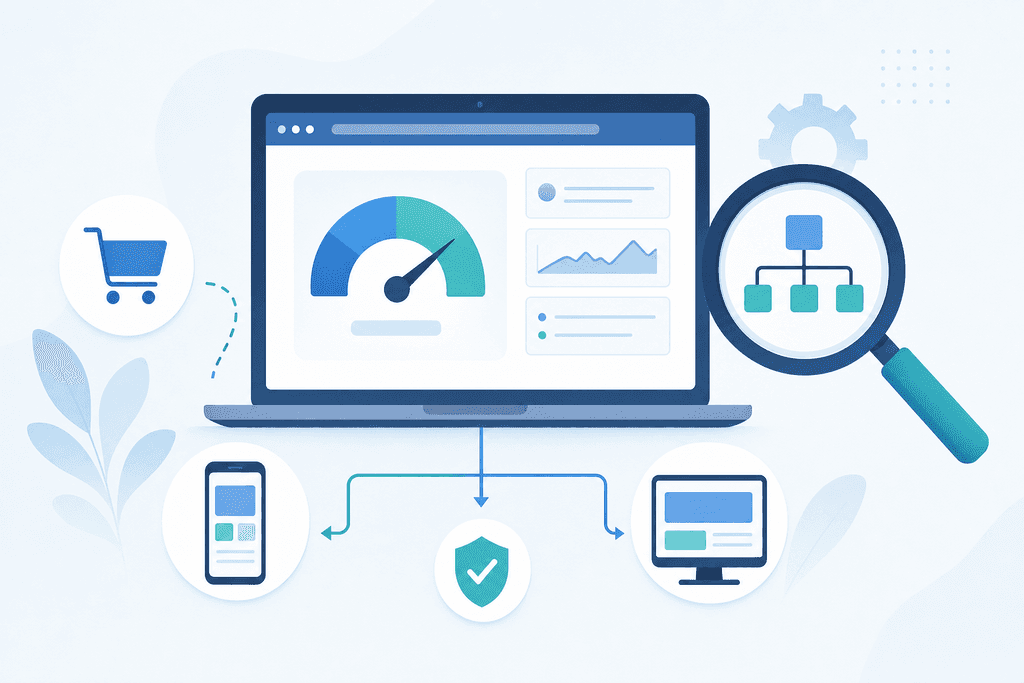
That duplication splits your ranking signals instead of building one strong page. Large hero images, unoptimised apps, and heavy theme code slow load times, and a page that takes more than three seconds to load loses a meaningful share of mobile visitors before it even finishes rendering. Check robots.txt in your Shopify admin to confirm you’re not blocking pages you want indexed, submit your sitemap.xml through Search Console, and make sure canonical tags point filtered URLs back to the main collection page.
Mobile usability matters just as much, since most Australian shoppers browse and buy from a phone. Run through this before touching copy or links:
- Test your three highest-traffic product pages on a real phone, not just desktop view
- Check canonical tags on filtered collection URLs point to the clean version
- Confirm your sitemap is submitted and free of 404 errors in Search Console
- Remove or replace any app that adds more than half a second to load time
- Compress product images to under 200KB without visible quality loss
Turn Product and Collection Pages Into Ranking Pages
Product and collection pages do the actual selling, so they need their own voice, not the manufacturer’s spec sheet pasted in. Rewriting descriptions in plain language that answers a real question (fit, material, use case) gives Google unique text to index and gives shoppers a reason to trust the page.
Adding schema markup for price, stock status and star ratings lets your listing show rich snippets in search results, which pulls more clicks even from the same ranking position. Collection pages need a short intro paragraph above the grid, because a bare list of products with no text reads as thin content to Google, especially once filters generate near-duplicate versions of the same page.
Internal links tie it together and spread ranking power across your catalogue:
- Link related products in the description, not just a generic carousel at the bottom
- Link from blog or buying-guide content back to the specific product it discusses
- Link collection pages to each other where categories genuinely overlap
- Avoid linking every product to every other product, which dilutes the signal
Get this sequence wrong and a store can publish 200 product pages and still rank for fewer than 20 of them, because duplicate structure cancels out unique copy.
Build Trust Signals and Backlinks That Google Rewards
Trust signals tell Google your store is a real business, not a dropship page thrown up overnight. Genuine customer reviews, a clear shipping and returns page, and an About page naming who actually runs the store all feed into what Google treats as a sign of a legitimate retailer.
Links from outside your site carry weight too, but only the right kind. Listings in Australian supplier directories, industry associations, and local business networks give you relevant backlinks without any outreach cost, and they’re far safer than paid link schemes that risk a manual penalty.
A short buying guide can support a product launch, but it should point shoppers back to the product page, not replace it. Work through these before chasing links further afield:
- Add at least five verified customer reviews to your top-selling products
- Publish clear shipping, returns and contact pages with real details
- Register with one or two Australian industry directories relevant to your category
- Skip paid link packages or bulk directory submissions sold as a shortcut
The guide at Complete Shopify SEO Guide to Rank Your Store covers how reviews and policy pages feed into Google’s trust signals in more detail.
Decide Which Shopify SEO Fixes to Tackle First
Most store owners can’t fix everything this month, so the order matters more than the full list. Rank fixes on an effort-versus-impact basis: technical wins like canonical tags and image compression first, content rewrites on your top sellers second, link building and directory listings last.
Pull your Search Console data and look for pages sitting on page two, positions 11 to 20, since those need a small push rather than a rebuild. Fixing a page already close to ranking moves faster than starting from nothing, so prioritise your highest-traffic collections and best-selling products before touching pages that get five visits a month.
Expect four to twelve weeks before ranking movement shows up, which is the realistic window Google needs to recrawl and re-rank changed pages. A simple way to sequence it:
- Week one to two: fix duplicate URLs, canonical tags, and page speed
- Week three to five: rewrite copy on your top ten products and key collections
- Week six onward: pursue directory listings and genuine review collection
If the list feels like more than you can manage alongside running the store, a local SEO service or a quick chat through the contact page can help you work out where your store actually sits before you spend another weekend guessing.
Rank Position or Organic Sales, Pick What You Measure
A keyword sitting at position 4 means nothing if the page it points to doesn’t sell. Track rankings weekly, but pull them into the same view as organic sessions from Shopify Analytics, so you can see whether a climb in position actually brings more people to the page.
Traffic volume on its own is a vanity number for a store. Watch conversion rate from organic visitors specifically, since a collection page can double its clicks and still sell nothing if the shopper lands expecting a size guide and finds a bare product grid instead.
That mismatch shows up as a page ranking well but converting poorly, which usually means the content answers the wrong question for that search term. A “best running shoes for flat feet” page pulling traffic but no sales is a sign the collection intro talks about the brand instead of the fit problem the shopper searched for.
| Signal | What it tells you | Where to check it |
|---|---|---|
| Rising position, flat traffic | Click-through isn’t matching rank | Search Console |
| Rising traffic, flat sales | Page content mismatches intent | Shopify Analytics |
| Stable rank, falling conversion | Page content went stale or off-brief | Shopify Analytics |
| High traffic, near-zero sales | Wrong keyword sent to this page | Search Console + page review |
If you’re not sure which of these patterns your own store is showing, a free AI check or a Search Audit gives a clear read on where things stand before you commit time to a bigger rewrite.
Pick One Fix and Start This Week
Don’t try to run all seven steps at once. Go back to the effort-versus-impact call and pick one or two fixes with the biggest payoff for your store, usually the technical cleanup or the copy rewrite on your top sellers, and get that done before moving to the next. If you’d rather skip the guesswork on which fix matters most for your store, a free AI check or a Search Audit from ScaleCurrent gives you a clear starting point based on your actual pages, not a generic checklist. Email hello@scalecurrent.com.au with your store URL and get a straight read on what’s holding it back.
Want more customers from Google and AI search? Tell us about your business.
Shopify SEO Questions Store Owners Ask
Can Shopify’s built-in SEO settings handle everything or do I need apps?
Shopify’s built-in fields cover the basics, title tags, meta descriptions, alt text and a sitemap that updates on its own. What they don’t do is rewrite thin product copy, fix duplicate URLs from filters, or add schema markup for reviews and price. Most stores need one or two apps for schema and image compression, not a bundle of ten, since too many apps slow the site down and work against the fix you’re trying to make.
Will changing product URLs for SEO hurt my existing rankings?
Changing a URL without a redirect will cost you rankings, because Google treats the old and new address as separate pages until it recrawls. Set up a 301 redirect from the old URL to the new one inside Shopify’s URL redirect settings before you publish the change. Done properly, a page keeps most of its ranking history through the move, though a short dip while Google re-indexes is normal.
How do I compete with Amazon and big retailers for the same keywords?
You don’t beat Amazon on a broad term like “running shoes”, so don’t try. Go after the specific, detailed searches big retailers ignore, like a size guide for one exact model or a buying question tied to your niche. Those longer searches have less volume but far less competition, and a small store can rank for dozens of them while a marketplace listing sits buried under thousands of other sellers.
Should I use Shopify’s blog or focus purely on product and collection pages?
Product and collection pages come first, since they’re the pages that actually convert. A blog only earns its place once those are fixed, and even then it works best as a handful of buying guides that link straight back to a product, not a steady stream of posts for their own sake. A store with five focused guides tied to its best sellers will outperform one with fifty generic posts nobody searches for.